 October 20, 2026 ·
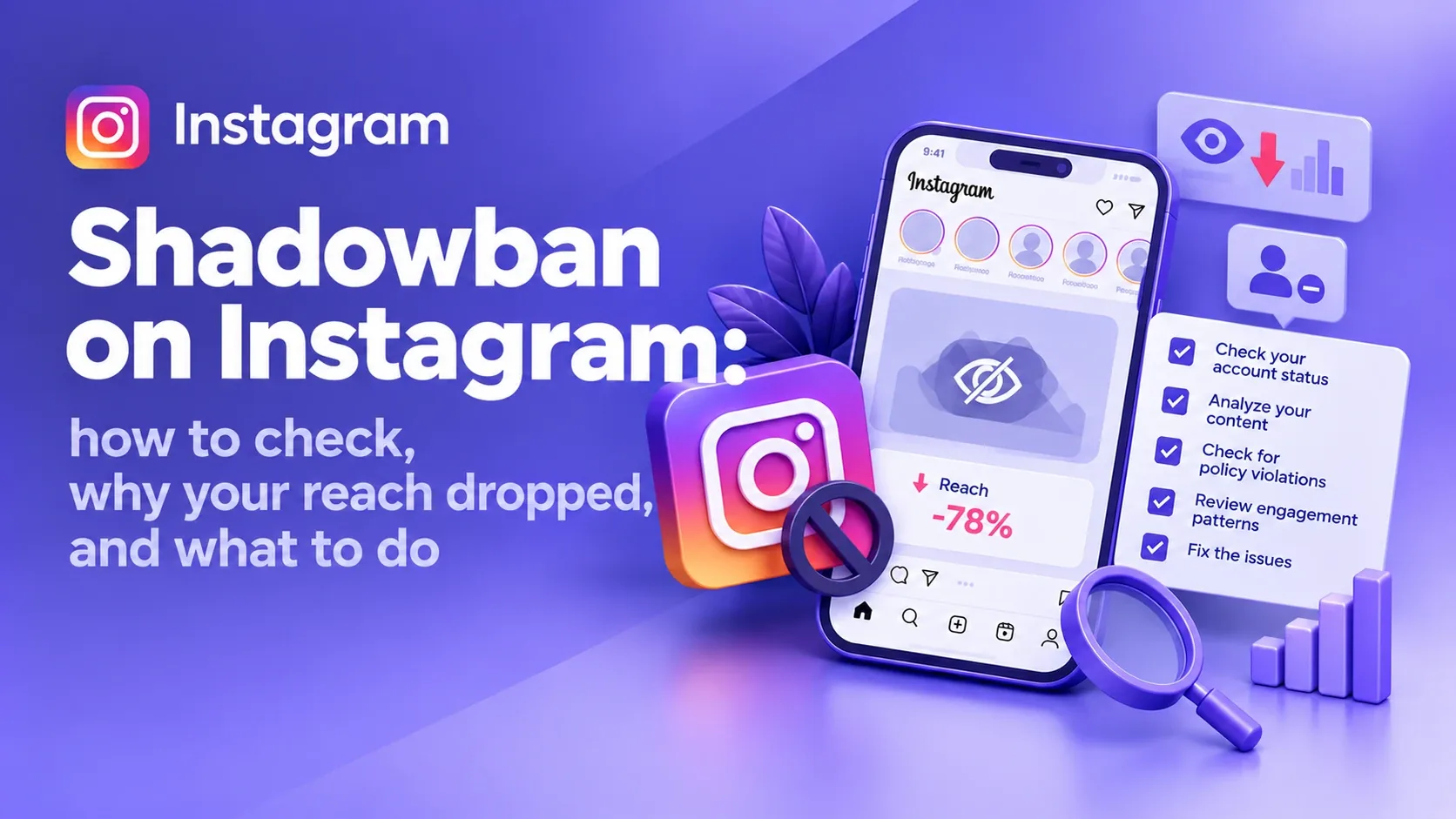
Contents
- What people call a shadowban
- Check Account Status
- Where the views went
- Can others see your posts
- What changed before the drop
- Symptom → cause → step
- Content doesn't hold attention
- Topics drifted
- Post not eligible for recommendations
- Unoriginal content
- Fake engagement and third-party apps
- Technical glitch
- How to remove a shadowban
- How long it lasts
- How to prevent it
- What to do, in order
- FAQ
Reels, Stories and posts go out at the usual pace, but views shrink every week. New followers barely come in, posts don't reach recommendations, and content that used to bring clients stops working. The first explanation that comes to mind is a shadowban.
Sometimes that's right: Instagram can stop showing an account to people who don't follow it. More often, though, reach drops for other reasons, and each one needs a different fix. Below is the order of checks that shows what actually happened to your account.
In short: Instagram has no official "shadowban" status, but it does limit recommendations: a post stays on your profile, but non-followers don't see it. You can check this in Account Status on a professional account. If there are no restrictions, look for the cause in your insights: who stopped watching, which topics and formats dropped, and whether your content became repetitive. A step-by-step fix is in "What to do, in order".
What people call a shadowban
"Shadowban" usually describes an account that works as before (you can post, reply to DMs, watch Stories), but whose posts are almost never seen by people who don't follow it.
Instagram has no status with that name. It does have recommendation guidelines, which Meta published in 2020. They are stricter than the Community Guidelines because they cover content shown to people who didn't choose to follow the account. A post can break no rules and stay on your profile, yet not qualify for Reels, Explore, Search or suggested accounts.
From the account owner's side, a recommendations restriction and weak content look the same: fewer views, almost no new followers. So the first job is to figure out which one you're dealing with.
How to check for an Instagram shadowban
Don't delete posts or change hashtags until you've gone through these four steps. Otherwise you'll lose the data that points to the cause.
1. Check Account Status
Instagram has a built-in tool that shows violations and recommendation restrictions. Third-party sites can't see this information.
- Open your profile and tap the menu in the top right corner.
- Find Account Status. Its location can vary between app versions.
- Check for notices about removed content or violations.
- On a professional account, open the recommendations section: it shows whether Instagram can show your content to people who don't follow you.
- If a post isn't eligible for recommendations, open it to see which guideline applies.
If you think the decision is wrong, tap Disagree with decision in the same section, and Instagram's team will review the content again.
The recommendations section is only available on professional (creator or business) accounts and applies to public profiles. If you have a personal account, you can switch to a professional one in settings for free.
How to read the result:
- The account can't be recommended. Deal with the stated reason first, everything else later.
- One post can't be recommended. Review it and posts with similar content.
- No violations. The account can appear in recommendations, but Instagram doesn't have to put it there. Look for the cause in your insights.
2. See where the views went
Open your professional account insights and take 5–10 posts of the same format from before the drop and the same number after. Comparing one weak Reel with your most popular video of the year tells you nothing.
What to look at:
- accounts reached;
- the share of followers and non-followers in views;
- where views came from: Reels, Explore, Feed, profile;
- average video watch time;
- shares in DMs and saves;
- profile visits and new follows.
What comes next depends on whose views dropped:
- Followers. Your topics, format or delivery have probably changed, and your audience finds it less interesting.
- Non-followers. Check the recommendations section again. If there's no restriction, look at retention and shares: they're what helps a post reach beyond your followers.
- Everything at once: Stories, Reels and posts. Check Account Status, recent notices and whether the app is glitching. A drop across the board is a reason to check everything, not proof of a penalty.
3. Check whether other people can see your posts
Ask someone who doesn't follow you to find your profile by its exact username and to open a specific Reel from a direct link.
If your profile doesn't show up for its exact username, that's a serious signal: check Account Status and your notices. Hashtag checks tell you very little: results are personalized, and a post missing from the top results doesn't mean a restriction.
4. Remember what changed before the drop
Write down everything that changed in recent weeks:
- posting frequency;
- the account's topics;
- you started posting other people's videos or re-uploading your old ones;
- you connected an automation service;
- you ran a giveaway;
- you got a violation notice;
- you used mass following, bought engagement or engagement groups;
- you noticed the app glitching.
None of these automatically means a restriction. What matters is timing: if reach dropped a week after you started posting compilations of other people's clips, start there.
What you see and what it usually means
| What you see | Likely cause | First step |
|---|---|---|
| Account Status says your content can't be recommended | Recommendations restriction | Open the notice, fix the cause or appeal the decision |
| Only non-follower views dropped, no restrictions | Posts don't hold new viewers' attention | Compare watch time and shares before and after the drop |
| Mostly follower views dropped | Your audience finds the content less interesting | Compare with the topics and formats that worked before |
| The account mostly posts other people's videos and photos | Originality rule | Switch to your own content |
| Everything dropped at once and the app behaves oddly | Technical glitch | Check on another device, wait a day or two |
| Reach dropped after buying engagement or mass following | Suspicious activity | Stop it and remove third-party app access |
Why reach drops without a shadowban
If Account Status is clean, the cause is usually one of the points below.
5. Content stopped holding attention
In January 2025, Instagram head Adam Mosseri named the three signals Instagram relies on most when deciding who sees a post: watch time, likes per reach and sends per reach. That isn't the full formula, but it's a useful guide: if people swipe away in the first seconds and don't share the video, it has little chance of reaching beyond your followers.
What to check:
- whether it's clear from the first seconds what the video is about;
- whether the opening delivers on the headline;
- whether the intro drags;
- whether there's something useful, an emotion or a story;
- whether a viewer would want to send it to a friend.
For example, a Reel called "Advertising tips" says very little. "Why your ads bring leads but not sales" names the problem right away, so the viewer knows why to keep watching.
6. Topics drifted
If an account was about one thing and then started posting about everything, followers stop finding what they came for. Someone who followed you for renovation tips probably won't watch entertainment clips on unrelated topics.
Look at your insights by content theme. Often not every post dropped, only the new topics or the new format.
7. The post isn't eligible for recommendations
The recommendation guidelines describe content that's allowed on the platform but may not be shown to people who don't follow you. On the Instagram for Creators page, the examples include clickbait and engagement bait: "like if you agree", "tag three friends", "comment + below".
Earlier versions of these guidelines specifically mentioned posts that promote contests and giveaways. The current version on Instagram's site no longer has that line. But a typical giveaway with "follow, like, tag your friends" rules is engagement bait. So a post like that risks being left out of recommendations and reaching mostly your followers.
One giveaway won't restrict your whole account. But Instagram says that if an account repeatedly posts content that goes against the recommendation guidelines, the whole account may stop being recommended for a while. So giveaways shouldn't become your main content. Asking people to DM you, ask a question or send a request is different: they're doing something useful, not padding the numbers.
8. The account posts unoriginal content
Here Instagram has a specific rule. In April 2024, the platform announced that accounts posting other people's content 10 or more times in 30 days without materially enhancing it would no longer be recommended. At the time, this covered Reels. In April 2026, the rule was extended to photos and carousels.
Adding a watermark, a border, changing playback speed or crediting the author doesn't count as originality. Eligibility for recommendations returns once most of your posts from the last 30 days are original again.
One repost with credit doesn't turn an account into a collection of other people's content. The problem starts when a profile is mostly other people's clips, memes and photos with minimal changes. For a business the fix is simple: your own footage, work samples, breakdowns, answers to client questions, expert commentary.
9. Fake engagement and third-party apps
Bought followers and likes, mass following, identical comments and automated actions are attempts to inflate engagement artificially. Instagram fights them, and the account can get restricted.
The recommendation guidelines also name "coordinated comment networks" that inflate engagement (often called engagement pods) and long captions unrelated to the post itself. Accounts that buy likes or repeatedly use misleading tricks to gain followers, Instagram tries not to recommend at all.
Check which apps and services have access to your account and remove the ones you don't need. If you suspect someone else logged in, change your password and turn on two-factor authentication (login with a confirmation code).
A scheduling tool on its own isn't a violation. Look at what exactly it does on your behalf.
10. Technical glitch
Sometimes insights show something other than what's really happening, or publishing breaks. If reach dropped suddenly while the app started behaving oddly, update it, open your account on another device and check whether other users report the same issue.
Don't change your strategy because insights look unusual for a few hours. Make sure the numbers are right first.
How to remove a shadowban and get your reach back
There's no "remove shadowban" button. What to do depends on what the checks showed.
Step 1. Fix the confirmed cause. If Account Status shows a restriction, edit or delete the specific post, or appeal the decision if you think it's wrong. Deleting a post doesn't guarantee an instant return to recommendations: go by the status.
Step 2. Stop fake engagement. If you used bought engagement, mass following or automated actions, stop. Trying to make up for the drop with even more activity only makes things worse.
Step 3. Go back to your own content. For an expert account, that means breakdowns of mistakes, answers to common client questions, results of your work, personal experience with takeaways. For a store, your own product photos and videos, close-ups of details, examples of use.
Step 4. Don't mass-delete posts. If you don't know which post caused the problem, deleting in bulk costs you both content and the data to compare against.
Step 5. Skip the mandatory break. The advice to post nothing for 3–7 days is everywhere online, but there's no confirmed period after which reach comes back by itself. A break won't fix weak content or lift a restriction whose cause you haven't removed.
Step 6. Judge by several posts. After the changes, compare 5–10 new posts of the same format: share of non-followers, watch time, shares, profile visits, follows. One good or bad Reel proves nothing.
If you need leads now, don't wait for free reach to recover. Recommendation restrictions apply to free (unpaid) distribution, while Meta ads go through a separate review under the advertising policies. Well-set-up Meta Ads keep clients coming in while you sort out your reach. If your ads get rejected, see why Meta rejects ads, and use retargeting to bring back people who already visited your profile or site.
How long does an Instagram shadowban last?
There's no single answer, because "shadowban" covers different situations.
- A technical glitch ends once it's fixed.
- A recommendations restriction depends on the cause and the outcome of the review.
- Unoriginal content is the one case with a clear timeframe: eligibility returns once most of your posts from the last 30 days are original again.
- Weak content: reach comes back when new posts start holding attention and getting shared.
Treat promises like "we'll lift your shadowban in 24 hours" with skepticism.
How to keep reach from dropping again
- Check Account Status after any notice or sharp drop.
- Post your own material: footage, experience, breakdowns, commentary.
- Check whether people watch to the end and share, not just views.
- Don't buy engagement: it brings no clients and adds risk.
- Judge formats separately: Stories, Reels and posts do different jobs.
- Don't draw conclusions from a single post.
The professional dashboard has a Best Practices section, which Instagram launched in October 2024. It collects tips on content creation, engagement, reach and guidelines, including personalized tips for your account.
What to do, in order
If you don't have time to read everything, go down this list from the top.
- Don't delete anything or take a break. Find the cause first, or you'll lose the data you need to compare.
- Open Account Status. Profile → menu in the top right → Account Status. The recommendations section is only on professional accounts; you can switch for free in settings.
- Content marked as not eligible for recommendations? Open the post and read which guideline applies. Edit or delete it. If you think it's a mistake, request a review right there.
- Your account posts other people's clips and photos? Post only your own. Recommendations come back once most of your posts from the last 30 days are original.
- Used fake engagement, mass following or engagement pods? Stop. Remove third-party app access, change your password, turn on login codes.
- Ran a "follow, like, tag your friends" giveaway? Don't make posts like that your main content. Bring in new people with useful posts.
- Account Status is clean? Then it's the content. Compare 5–10 posts from before and after the drop: whose views disappeared, whether people watch to the end, whether they share. Open videos with the point and stick to your topic.
- Everything dropped in one day and the app is glitchy? Update it, log in from another phone, wait a day or two.
- Judge results by 5–10 new posts, not by one.
Reach dropped, but you need clients now? I'll set up Meta Ads so leads keep coming while you recover your reach, and suggest what to change in your content.
FAQ: Instagram shadowban
How do I know if I'm shadowbanned on Instagram?
Open Account Status and check whether your account can be recommended to non-followers. If there's no restriction, compare insights for several posts before and after the drop. Low views alone aren't enough to conclude that.
Do shadowban checker sites work?
No. External services can't see your internal recommendation status; they only guess from views and hashtags. Use the built-in Account Status and never give third-party sites your password.
Should I remove hashtags?
Only if there's a specific reason. Since December 2025, Instagram allows no more than five hashtags per post. Instagram itself says a few targeted hashtags work better than a long list of generic ones. Keep 3–5 relevant tags.
Should I stop posting for a week?
No. There's no confirmed period after which reach returns by itself. If there's a restriction, remove its cause. If there isn't, keep posting and compare results.
Why did reach drop if Account Status is fine?
Account Status shows violations and restrictions, but it doesn't guarantee Instagram will promote every post. The cause can be that people don't watch to the end, a shift in topics, repetitive content or competition for your audience's attention.
Does a shadowban affect Instagram ads?
Recommendation restrictions apply to free (unpaid) distribution. Ads go through a separate review under Meta's advertising policies, so you can run them while your free reach recovers.
Does a giveaway hurt reach?
A post with "follow, like, tag your friends" rules fits what Instagram calls engagement bait, so it risks being left out of recommendations and reaching mostly your followers. One giveaway won't restrict your account, but if posts like that are constant, the whole profile may stop being recommended.
- Instagram Help Center — Recommendations on Instagram
- Instagram Help Center — Account Status and recommendation eligibility
- Instagram for Creators — Recommendations and originality (April 2024)
- Instagram for Creators — Originality rule for photos and carousels (April 2026)
- TechCrunch — What doesn't count as original (April 2026)
- Social Media Today — The 10-posts-in-30-days threshold (2024)
- Social Media Today — The 5-hashtag limit (December 2025)
- Social Samosa — Mosseri on the top signals (January 2025)
- Meta Newsroom — Best Practices hub (October 2024)
- Meta Newsroom — Recommendation Guidelines (2020)
Reach dropped, but you need leads now?
I'll set up Meta Ads for your business and help you figure out what's holding back your organic reach.
Get in Touch Website auditLanding Page Audit Before Running Ads: What to Check So You Don't Waste Your Budget26.10.2026
 Google Ads & Meta AdsHow Much Do Google Ads and Meta Ads Setup and Management Cost?26.10.2026
 Ad Account AuditAd Account Audit: A Complete Checklist for Google Ads and Meta Ads25.09.2026
 Choosing a ChannelHow to Choose the Best Advertising Tool for Your Business: Google Ads, Meta Ads, TikTok, or Something Else?22.09.2026
 BudgetsMinimum Advertising Budget: Google Ads, Meta Ads, and TikTok Ads in 202621.09.2026
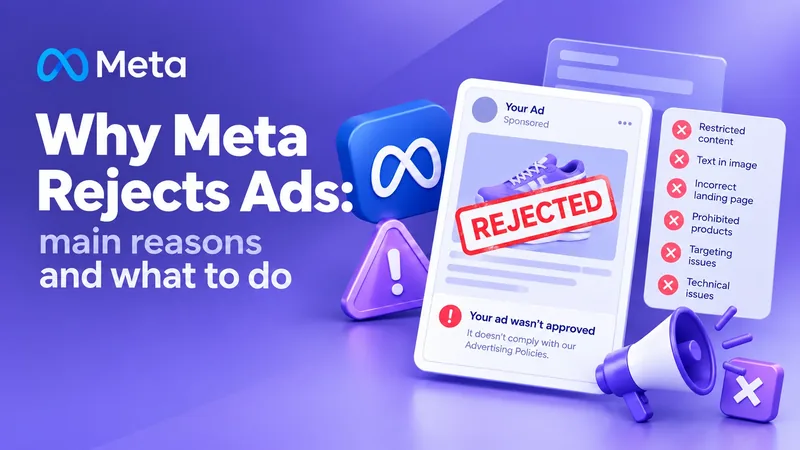 Meta AdsWhy Meta Rejects Your Ads: The Main Causes and What to Do25.09.2026
 Google Merchant CenterGoogle Merchant Center: A Complete Setup and Product Review Checklist24.09.2026
 Retargeting & AudiencesOrganic Traffic + Retargeting: How to Turn Free Website Visitors into Customers21.09.2026