 September 25, 2026 ·
Contents
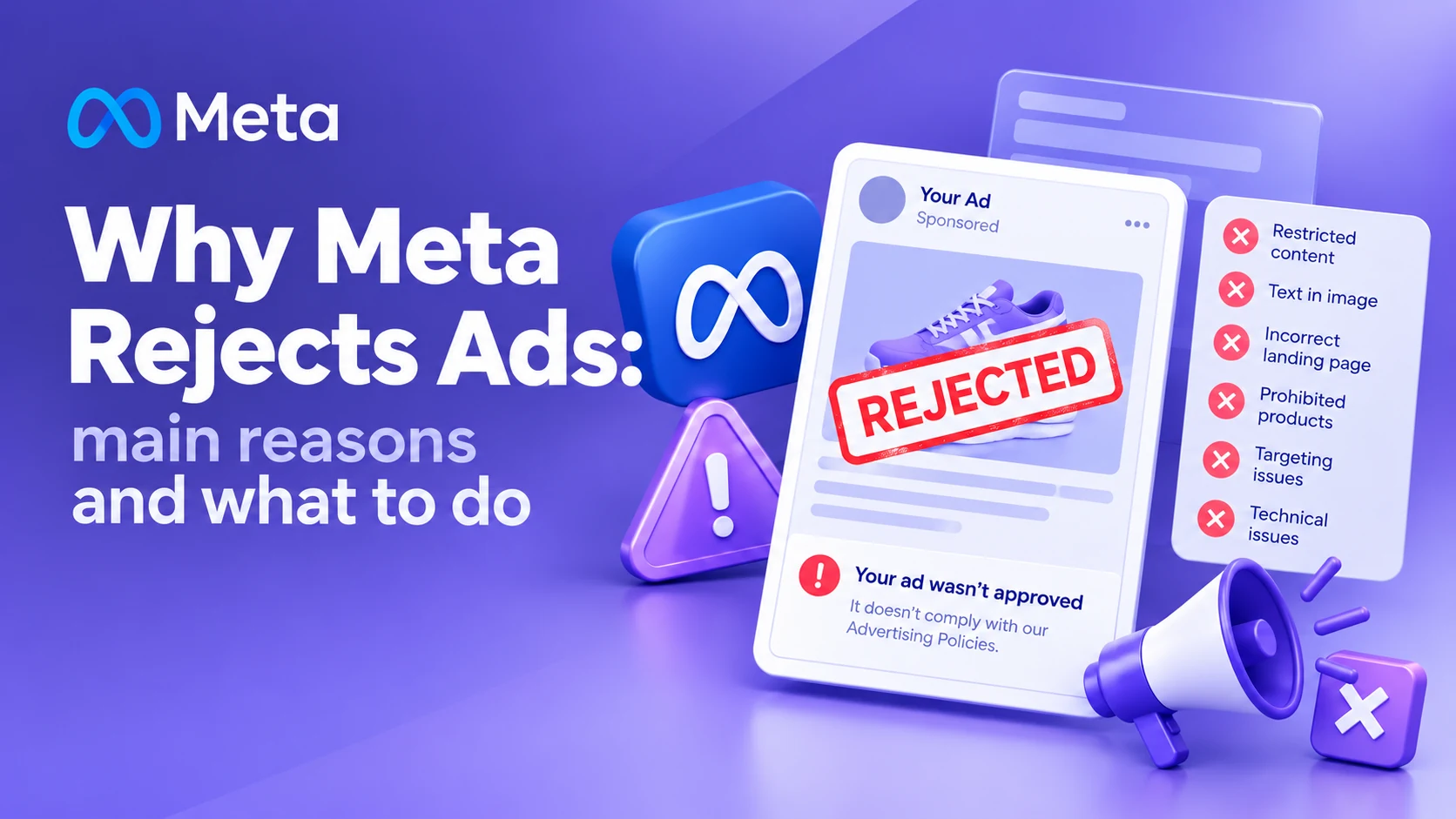
- Why Meta rejects ads
- Banned or restricted content
- Personal attributes
- Guaranteed results
- Misleading creative
- The problem is on the site
- Problem in the ad copy
- Aggressive wording
- Problem with the product
- Problem with the account
- Why one ad passes and another doesn't
- What to do after a rejection
- Pre-launch checklist
- Why not just swap the image
- Repeated rejections
- The main takeaway
- FAQ
Launched a Meta Ads campaign and got a "Disapproved" status instead of impressions? That's one of the most common situations when running Facebook and Instagram Ads.
The cause isn't always obvious. Sometimes the problem really is in the ad itself, but in other cases Meta looks at the landing page, the wording, the product being advertised, the promotion method, or the user experience after the click.
In short: Meta can reject an ad because of the ad's content, the product being advertised, the copy or creative, the landing page, or restrictions on the ad account. That means a rejection calls for checking the whole chain, not just the banner: product → offer → creative → copy → website → account.
Why Meta rejects ads
Meta checks more than the image or the ad copy. During review, the ad's content, the product or service being advertised, and where the user lands after clicking can all matter.
So "a competitor runs the same kind of ad and it gets approved" doesn't by itself mean your ad should pass review. Different advertisers can have different accounts, landing pages, settings, and history with the platform.
The main causes of rejection fall into a few groups:
- violating ad policies;
- banned or restricted content;
- problematic wording;
- misleading claims;
- image or video problems;
- website or landing page problems;
- technical problems;
- ad account or business problems.
| Cause | What to check |
|---|---|
| Ad copy | Wording, claims, references to personal attributes |
| Creative | Image, video, text inside the image |
| Product | Category and policy compliance |
| Your offer | Price, discount, terms |
| Website | Whether the page works and matches the ad |
| Account | Restrictions and asset status |
| User experience | What happens after the click |
1. The ad contains banned or restricted content
This is one of the more obvious reasons for rejection.
Meta sets separate requirements for categories of products, services, and content. Some categories carry extra restrictions, and some types of advertising are banned outright.
So before launch, check the product itself as well as the ad copy.
The issue can come from what's being advertised, not from a photo or headline.
Ads in regulated categories — finance, health, dating, alcohol, gambling, politics, and similar areas — deserve extra scrutiny.
Don't try to work around a restriction by swapping out a few words. If the problem is tied to the product category itself, editing the copy won't fix it.
2. The ad makes overly specific claims about the person
One common mistake in Meta Ads: the advertiser directly calls out a personal attribute of the user.
For example, instead of a neutral offer, the copy effectively says to the person:
"Are you overweight?""Do you have skin problems?""Are you unemployed?""Are you in bad financial shape?"
The specific words matter less than the meaning of the message and how the ad addresses assumed personal traits of the audience.
It's better to frame the offer around the product, the problem, the solution, or the outcome — without directly claiming that the user personally has that specific condition.
For example:
Bad: "Got dry skin? Try our cream."More neutral: "A daily cream for dry, sensitive skin."
This approach makes the ad both safer for review and, often, more natural for the reader.
3. The ad promises a guaranteed result
Another frequent problem, especially in service ads.
Phrases like:
- "100% guaranteed results";
- "guaranteed weight loss";
- "earn $1,000 in a week";
- "get clients tomorrow";
- "get rid of the problem forever";
can create review problems, especially when the outcome can't be guaranteed for every single person.
On top of that, over-the-top promises reduce trust in the ad even when it does get approved.
It's better to describe the product or process concretely and avoid promising an outcome that depends on many factors.
For example:
Instead of: "Guaranteed 50 new clients."Better: "We set up ads to generate leads and track their quality."
4. The creative can mislead the user
Meta pays close attention to ad experience quality and misleading elements. Meta's own Audience Network guidelines specifically state that ad elements shouldn't create a false impression or make users confuse the ad with other content.
So check:
- whether the image matches the advertised product;
- whether the offer in the creative matches the offer on the website;
- whether there are visual elements mimicking system notifications;
- whether there are fake buttons;
- whether the image creates the impression of a different interface;
- whether the video matches the actual product.
For example, if the ad shows one product but the user sees a completely different product or purchase terms after clicking through, that can become a problem.
5. The problem is on the website, not the ad
This one is easy to miss.
Sometimes an advertiser changes the creative several times over, while the cause of rejection sits on the landing page.
Before relaunching, check:
- whether the site loads;
- whether the link works;
- whether the page matches the ad's offer;
- whether there's a clear description of the product or service;
- whether the form works;
- whether the site works on mobile;
- whether there are unexpected redirects;
- whether there are suspicious downloads;
- whether it's clear who's providing the product or service;
- whether the ad's terms match the website's.
If someone clicks an ad promising a discount and the landing page has no such discount, that's a mismatch between the ad and the actual offer.
6. Problem in the ad copy
Sometimes a single phrase is the cause.
Besides the primary text, check:
- the headline;
- the description;
- text placed on the image;
- video subtitles;
- text embedded in the video itself;
- CTA;
- the offer.
Don't assume that a questionable phrase inside the image, rather than in the Primary Text field, gets overlooked by Meta.
When preparing an ad, the entire creative needs to be reviewed as a whole.
7. Aggressive or manipulative wording
An ad can come across as overly pushy even without an obvious violation.
For example:"You have to buy this right now.""Don't miss your last chance.""Only idiots keep paying more.""Every normal person already uses this product."
That kind of wording can hurt ad quality and create a sense of manipulation.
Ads generally perform better with a concrete offer instead: what you're selling → who it's for → the benefit → the next step.
8. The problem is with the product being advertised
Sometimes an advertiser tries to fix an ad, when the problem is the product itself or how it's being sold.
Before launch, check:
- whether the category is allowed;
- whether the product matches Meta's policies;
- whether the offer falls into a restricted category;
- whether the product is described correctly;
- whether there are any banned claims;
- whether the website matches the advertised offer.
If the problem is systemic, an image swap won't resolve it.
9. The problem can be tied to the ad account itself
A rejection doesn't always mean a specific creative is bad.
Diagnosis should also cover the state of:
- the ad account;
- Business Portfolio;
- the Facebook Page;
- Instagram;
- billing information;
- linked assets;
- prior violations.
If the account already has restrictions in place, resolve the cause of the restriction first, before mass-submitting new ads. It's often easiest to run this diagnosis alongside a full ad account audit , which also covers structure, analytics, and conversions.
10. Why one ad passes and another doesn't
This is one of the most common questions advertisers ask.
You see a similar creative running for another business and think: "Why can they do it and I can't?"
The fact that someone else's ad is running doesn't prove it fully complies with every rule. Ads also go through automated and additional checks, and the outcome can depend on the specific context.
So the comparison needs to go beyond the image.
Check that:
- What's being advertised.
- How the offer is worded.
- What's written on the creative.
- Where the ad links to.
- What's on the landing page.
- What restrictions apply to the category.
- Whether there are ad account issues.
What to do if Meta rejects your ad
Don't immediately spin up five new copies of the same ad.
Figure out the cause first.
Step 1. Read the disapproval reason. Open the ad in Ads Manager and review the violation message. Don't stop at the "Disapproved" status — figure out which specific problem category the system flagged.
Step 2. Review the entire creative. Check the copy, headline, image, video, CTA, offer, and any text on the image.
Step 3. Check the landing page. Open the site from the exact page the ad links to, and go through it as a regular user would.
Step 4. Check the product. Confirm the advertised category is allowed and complies with Meta's policies.
Step 5. Fix the root cause. Don't just swap a single word if the problem is with the offer itself.
Step 6. Request a review. If you're confident the ad follows the rules, you can request a re-review through the mechanism available in the account.
Why you shouldn't just swap the image
If Meta rejects an ad and you keep changing only the image each time, you can burn a lot of time without solving the problem.
For example:Problem: a banned category. What the advertiser does: swaps the image. Result: the ad gets rejected again.
Or:Problem: the website doesn't match the ad's offer. What the advertiser does: rewrites the headline. Result: the problem stays.
So the review needs to work from the cause, not the symptom.
What to do if your ads keep getting rejected
If several different ads get rejected in a row, widen the review.
Check the full chain, not just the creative: product → offer → creative → ad copy → account → landing page → user experience.
If the problem repeats across different ads, check the product category and the state of the ad account first.
Endlessly spinning up new campaigns and duplicating ads is no substitute for finding the cause.
Meta rejecting ads: the key takeaway
A Meta ad rejection doesn't always mean "the algorithm made a mistake."
The cause could be:
- the ad copy;
- the image or video;
- a result promise;
- the advertised category;
- the landing page;
- a mismatch between the ad and the website;
- the ad account;
- restrictions on the business or specific assets.
So a proper review needs to look past the creative itself and cover the entire user path after the click.
If your ad follows the rules and the rejection seems wrong, it's worth using Meta's own review process instead of trying to route around moderation by endlessly creating new ads.
Ads keep getting rejected by Meta? I'll review the creative, offer, website, and ad account, find the cause of the rejection, and help you get the campaign set up properly.
FAQ: Meta Ads moderation questions
Why did Meta reject my ad?
The reason is listed in the disapproval notice. From there, check the creative itself, the advertised product, the landing page, and the state of the account.
What do I do if Meta rejects an ad without a clear reason?
First, review the disapproval reason and check the whole ad. If you believe the decision is wrong, you can use the appeal process available in the account.
Can Meta reject an ad because of the website?
Yes, so diagnosis should cover the page the ad links to as well as the ad itself.
Can text inside an image affect moderation?
Yes. Review needs to account for the entire creative, including text placed directly on the image or inside the video.
Why does a competitor's similar ad get approved?
The same visual format doesn't mean the same context. The product, copy, landing page, account, and other factors can all differ.
Do I need to create a new campaign after a rejection?
Not necessarily. First figure out the cause of the rejection. If fixing the existing ad solves the problem, creating a new campaign by itself won't fix anything.
Can I just tweak the copy slightly and resubmit the ad?
If the issue really is a specific phrase, you can change it. But if the cause is the product, the website, or the account, a small copy edit won't fix the problem.
What should I check before launching a Meta Ads campaign?
Check the advertised product, the copy, images, video, the offer, the landing page, whether the ad's terms match the site, account settings, and any existing restrictions.
Is Meta consistently rejecting your ads?
I'll review your creative, copy, website, offer, and ad account, find the cause of the rejection, and get the campaign set up so it passes review.
Get in Touch Website auditLanding Page Audit Before Running Ads: What to Check So You Don't Waste Your Budget26.10.2026
 Google Ads & Meta AdsHow Much Do Google Ads and Meta Ads Setup and Management Cost?26.10.2026
 InstagramInstagram Shadowban: How to Check It, Why Reach Dropped, and What to Do20.10.2026
 Ad Account AuditAd Account Audit: A Complete Checklist for Google Ads and Meta Ads25.09.2026
 Retargeting & AudiencesOrganic Traffic + Retargeting: How to Turn Free Website Visitors into Customers21.09.2026
 BudgetsMinimum Advertising Budget: Google Ads, Meta Ads, and TikTok Ads in 202621.09.2026
 Choosing a ContractorFreelancer or Agency: What's Better for Business Advertising?08.10.2026
 Google Merchant CenterGoogle Merchant Center: A Complete Setup and Product Review Checklist24.09.2026
 Choosing a ChannelHow to Choose the Best Advertising Tool for Your Business: Google Ads, Meta Ads, TikTok, or Something Else?22.09.2026