 October 26, 2026 ·
Contents
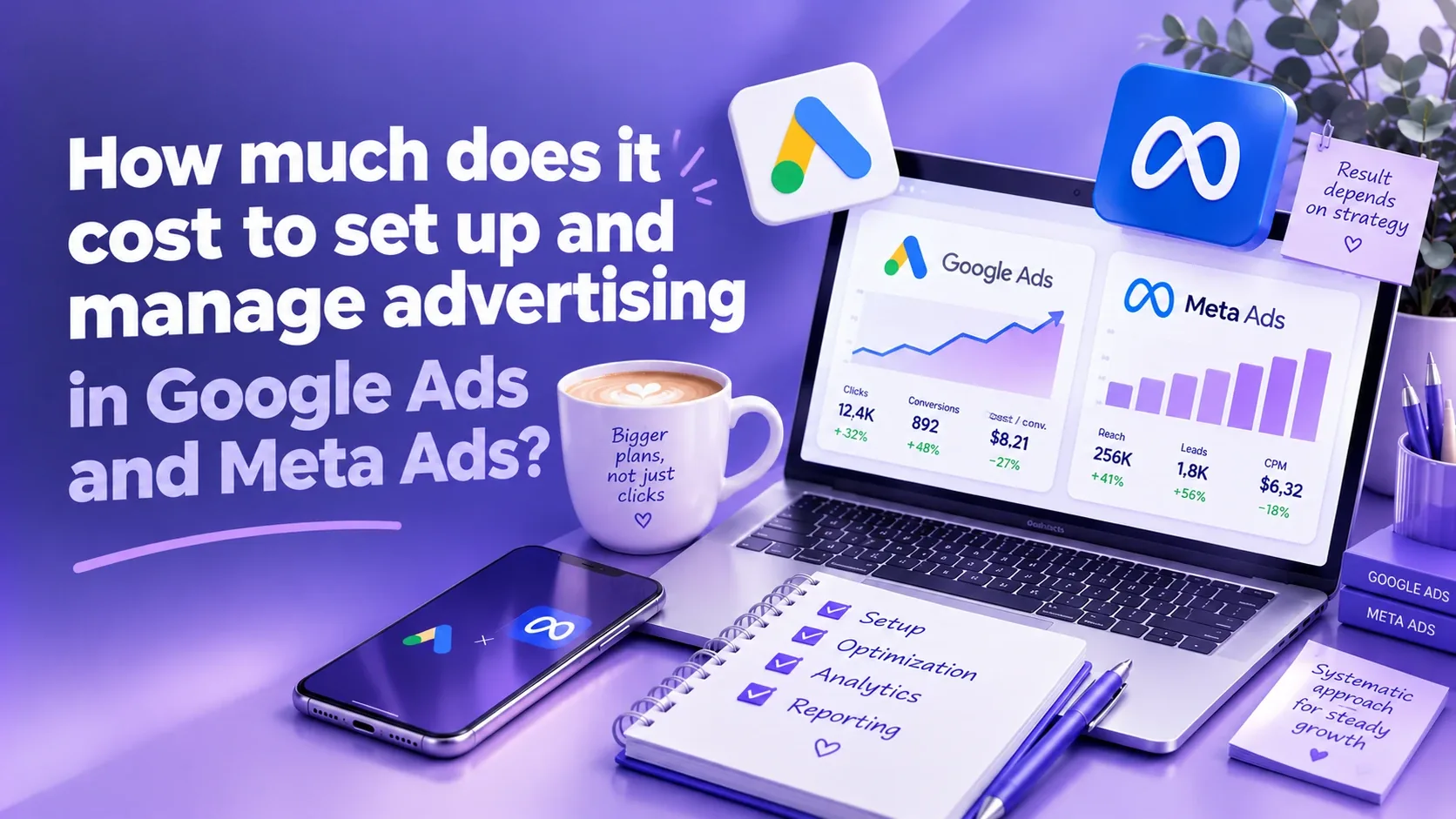
Prices for the same ad service vary widely from one specialist to the next. Agencies, according to the US publication Search Engine Journal (April 2025), charge $2,500 to $10,000 a month for flat-fee ad management, and sometimes that amount already includes the ad budget. My Google Ads management, for example, starts at $450 a month. Behind those numbers are different amounts of work and different pricing models. In most cases the ad account stays with the client; terms that leave it with the contractor are very rare, but it’s still worth checking before you pay.
In this article I break down what goes into the price of setting up and managing Google Ads and Meta Ads (Facebook and Instagram) and how to tell you are not overpaying. Below there is a calculator that works out what a lead and a customer really cost once the specialist’s fee is included. At the end you will find a list of questions to ask a contractor before you pay.
In short: You pay for two separate things: the ad budget (it goes to Google and Meta) and the specialist’s work. The work is paid as a flat fee, a percentage of ad spend, per lead, or once for setup. In my experience, the safest option is a flat fee with a clear scope of work and ad accounts registered in your name. My prices: Google Ads setup from $300, management from $450 a month; Meta Ads setup from $200, management from $400 a month. A step-by-step guide is in the Summary section.
What the cost of advertising is made of
Advertising on Google and Meta has two cost lines, and it's worth keeping them apart.
- Ad budget. The money Google and Meta charge for clicks and impressions. In Google Ads, you choose the average daily budget for each campaign yourself and can change it at any time (Google Ads Help). On Meta, the minimum daily budget depends on the account currency and on what the ad set is optimized for (Meta documentation). I covered how much to plan for at the start in my article on the minimum advertising budget.
- The specialist’s work. Strategy, account and tracking setup, launching campaigns, testing, optimization, reports. This is what you pay the contractor for.
It is easiest when you pay the ad budget yourself, with your own card, directly in Google Ads and Meta. Then you see every charge and know exactly how much went to ads and how much to the specialist.
Google says it plainly in its guide to working with third parties: you have the right to know at least the number of clicks, impressions and the total cost of your ads, and you should get the terms of the work in writing.
How specialists charge
Search Engine Journal identifies three pricing models: a flat fee, a percentage of ad spend and pay for results. I add a fourth, one-time setup, which is worth considering if your budget is small.
1. Flat monthly management fee
You pay the same amount every month, and the specialist runs your campaigns: watches spend, tests ads and audiences, turns off what doesn’t work and sends reports.
Pro: you know the price up front, and the specialist’s fee doesn’t depend on how much you spend on ads. Con: with a small budget, the specialist’s fee can end up higher than the ad spend itself. You can check this for your own numbers in the calculator.
2. Percentage of ad spend
The specialist gets a share of what you spend on ads. According to Search Engine Journal (April 2025), the percentage is usually 5–15% and often comes with a flat component of $500 to $2,500 a month. These are typical US agency rates.
The model has a weak spot: the contractor’s income grows with your spend, not with your results. Search Engine Journal notes that this is why the model is losing popularity. That said, it has an upside: if your spend is stable, the total fee often comes out lower.
For example, at 10% and a $3,000 budget, you pay the specialist $300. If the budget grows to $10,000, the fee becomes $1,000, even though the number of campaigns may stay the same.
3. Pay per lead or sale
It sounds like a good deal: you only pay for results. Search Engine Journal warns about the main risk: under this model the ad account may stay with the agency, and then you lose control over your campaigns and, once you stop working together, access to their history. In my experience this is very rare, and the account usually stays with the client. Still, put the account terms in writing.
The second question is what counts as a lead. Agree on it in writing and track leads in your own CRM or spreadsheet, not only in the contractor’s report.
4. One-time setup and consulting
The specialist sets up the account, tracking and first campaigns once, and then you run the ads yourself. This works for small budgets or if you have an employee willing to learn. It is often paired with consulting: once a month the specialist reviews the account and tells you what to fix.
| Model | Pro | Risk | Best for |
|---|---|---|---|
| Flat fee | Clear price that doesn’t depend on the budget | With a small budget, the fee can exceed the ad spend | Businesses that invest in ads on an ongoing basis |
| Percentage of ad spend | The fee grows as you scale | The contractor’s income grows with spend, not with results | Stable budgets, if the fee has a cap |
| Pay per lead | You pay for results | The account may stay with the contractor | Only with your own account and leads tracked in your CRM |
| One-time setup | You pay once | You will have to run the ads yourself afterwards | Small budgets and teams willing to learn |
What setup includes and what management includes
Comparing prices from different specialists without a scope of work makes no sense. Here is what each format includes when you work with me. Compare it with what you are being offered.
Setup (one time):
- a review of the business and website: where the ads will send people and what is getting in the way of leads there;
- creating or checking ad accounts, access and payment methods;
- tracking leads, calls and purchases: Google Analytics 4, Google Tag Manager, the Meta pixel and the Conversions API (sending events from the server), session recordings in Microsoft Clarity;
- for Google Ads: keywords and negative keywords, plus a product feed in Merchant Center for online stores;
- for Meta Ads: audiences, lookalike audiences and retargeting;
- launching the first campaigns and checking that everything is tracked correctly.
Management (every month):
- keeping an eye on spend and search terms, turning off whatever spends money without results;
- testing ads, audiences and landing pages;
- shifting budget toward the campaigns that bring in customers;
- weekly reports in Google Sheets in plain language: how much was spent, how many leads came in and what one lead costs;
- recommendations on the website and lead handling if the problem isn’t the ads.
Ask any specialist whether creative production is included in the price: video shoots, photos, banner design. It is a common source of extra costs.
What working with me costs and how the first month goes
I work for a flat fee. You pay the ad budget yourself, directly to Google and Meta, and the accounts stay yours.
| Service | Google Ads | Meta Ads |
|---|---|---|
| One-time setup | from $300 | from $200 |
| Ad management | from $450 / month | from $400 / month |
| Consultation | from $80 / hour | from $80 / hour |
| Mentoring for your team | from $700 | from $600 |
If you need both channels, managing Google Ads and Meta Ads together costs from $765 a month instead of $850. The exact price depends on the number of campaigns, products, countries and how complex the tracking is. More details on the Google Ads, Meta Ads and all services and pricing pages.
How the work goes:
- A conversation about your business. A free call: goals, niche, budget and what you have already tried. After it, I give you an exact price.
- Audit or setup. If you already have an account, I first review your current campaigns for free. If not, I set everything up from scratch: the account, goals and lead tracking.
- Launch and first data. I launch the campaigns and test audiences, ads and bids.
- Optimization and reports. I regularly adjust the campaigns based on the data and send you a report every week: where the budget went and what it brought in.
If you already have an ad account, start with a free audit: I will review your campaigns and tell you what is worth changing before we start working together.
Calculator: what a lead really costs
Count the specialist’s fee together with the ad budget. That way you see what one lead and one customer cost and whether the ads pay off. Enter your own numbers: you can take the cost per lead from your ad account or ask a specialist for a benchmark in your niche.
An example with the default numbers: a $1,000 budget, $15 per lead, $450 for management. The ads bring in about 66 leads. Including the specialist’s fee, one lead costs about $22 ($1,450 ÷ 66). If one in five leads buys, a customer costs roughly $109, and with $200 in profit per customer the ads pay off.
Search Engine Journal writes that with budgets up to $2,500 a month, agency fees can eat up too large a share, and suggests running the ads in-house in that case. This applies to agency prices: with a freelancer the threshold is lower, but still check the specialist’s share in the calculator. My budget guidelines are:
- under $500 a month: one-time setup and monthly consulting;
- $500 to $1,000: management of one channel, usually the one where your customers are already looking for a solution, if the specialist’s fee doesn’t exceed the ad budget;
- $1,000 and up: management of one or two channels with regular testing.
I covered which channel to start with in my article Google Ads, Meta Ads or TikTok Ads: which to choose.
Why prices vary so much between specialists
The price depends on the amount of work. When you compare offers, look at these points:
- Number of campaigns and products. One service in one city and a store with thousands of products and a Merchant Center feed take very different amounts of time.
- Tracking. A lead form on the website is the simplest case. Calls, a CRM and offline sales need separate setup.
- Countries and languages. Each new country means separate ads, keywords and analytics.
- How often they work on it. Ask how often the specialist will log into the account and how many accounts they manage at once.
- What is included. Reports, website recommendations, ad copy, work on creatives.
- Experience in your niche. Ask for case studies with a similar business and real numbers.
How to choose a specialist and not overpay
Google itself lists the signs of an unreliable contractor in its guide for advertisers:
- They promise a specific position on Google. Google says no one can guarantee an ad position: it is decided by an auction on every search.
- No written terms. Google recommends getting an official copy of what you agreed on.
- The budget is spent differently than agreed. Google names this as a separate red flag.
- They promise ads will boost your site in organic search. According to Google, ads don’t affect your site’s rankings in organic results: they are completely separate systems.
- They claim to be Google employees but don’t write from an @google.com address. An @gmail.com address proves nothing.
Check access separately. The Google Ads account should be registered to your email or company, and you should have the Admin access level: only Admin can grant access to the account and change access levels. Standard access is enough for the specialist to manage campaigns. Only Admin can link Google Ads to Google Analytics and Merchant Center, so you can give the specialist this level for the setup period and lower it afterwards. If you link the specialist’s manager account, check that it doesn’t get ownership rights (the levels are described in the Google Ads Help Center).
On Meta, the ad account should sit in your business portfolio, and you give the specialist partner access. According to Meta’s Help Center, even a partner with full control cannot transfer your asset to another business: only the owner can do that.
Questions to ask before you pay
Copy the list and send it to the specialist or agency. Their answers will show how transparent they are.
- Who will own the ad account, and what access will I have?
- What exactly is included in setup and in monthly management?
- Does the price include creative production and ad copy?
- How will you set up lead and purchase tracking?
- How often will you work on the account, and how many accounts do you manage right now?
- How often will I get reports, and what numbers will they include?
- What will you do in the first month, and which metrics will we use to judge the results?
- Do you have case studies in my niche?
- How is the ad budget paid: directly to Google and Meta or through you?
- On what terms can we end the contract?
Summary: how to choose a format and not overpay
- Keep the costs separate. Pay the ad budget yourself, directly to Google and Meta, and pay the specialist separately.
- Work out the cost per lead. Enter your numbers in the calculator: if more goes to the specialist than to the ads, start with a one-time setup.
- Compare the scope of work, not just the price. Ask the questions from the list above.
- In my experience, a flat fee is more reliable. A percentage of ad spend or pay per lead works with transparent terms and your own account.
- Keep the accounts in your name. Google Ads with your admin access, Meta in your business portfolio with partner access for the specialist.
- Check tracking before launch. Without it, no one can tell which ads bring in customers.
- Get the terms in writing. The price, scope of work, reports and how the work ends.
Want to know what advertising would cost for your business? Tell me about your business and budget, and I will suggest a format and work out a price. If you already have an account, I will review it for free first.
FAQ: what ad setup and management cost
How much does Google Ads setup cost?
My one-time Google Ads setup starts at $300, and management starts at $450 a month. The price depends on the number of campaigns, products and countries, and on how complex the tracking needs to be. The ad budget is paid separately, directly to Google.
How much does a Facebook and Instagram ads specialist cost?
My Meta Ads setup starts at $200, and management starts at $400 a month. You pay the budget for impressions to Meta yourself. Ask up front whether creative production is included in the price: shoots, photos, design.
Which is better value: a flat fee or a percentage of ad spend?
With a flat fee, the price is clear and doesn’t depend on how much you spend on ads. With a percentage, the contractor’s income grows with your spend, which is why, as Search Engine Journal observes, this model is losing popularity. On the other hand, with stable spend a percentage often works out cheaper. If you choose a percentage, agree on a cap for the fee.
Can I pay a specialist only for leads?
You can, but check the terms. According to Search Engine Journal, under this model the ad account may stay with the agency, although in practice that’s rare. If you agree to it, make sure the account is yours and leads are tracked in your CRM or spreadsheet.
What ad budget do I need to hire a specialist?
My benchmark is $500 a month or more on ads. With a smaller budget, the management fee can exceed the ad spend, and a one-time setup with consulting is better value. You can work out your own case in the calculator in this article.
Who should own the ad account?
You. The Google Ads account is registered to your email or company, and you have admin access. The Meta ad account sits in your business portfolio, and the specialist gets partner access.
How much does an ad audit cost?
If you already have a Google Ads or Meta Ads account, I do the initial audit for free: I review your current campaigns and tell you what is worth changing before we start working together.
- Google Ads: guide to working with third parties
- Google Ads: account access levels
- Google Ads: how to set a campaign’s daily budget
- Meta for Developers: minimum ad set budget
- Meta Business Help: partner access to business portfolio assets
- Search Engine Journal: how much PPC management should cost (April 2025)
Want to know what ads would cost for your business?
I will suggest a format that fits your budget and goals. The first call is free.
Get in Touch Website auditLanding Page Audit Before Running Ads: What to Check So You Don't Waste Your Budget26.10.2026
 BudgetsMinimum Advertising Budget: Google Ads, Meta Ads, and TikTok Ads in 202621.09.2026
 Choosing a ContractorFreelancer or Agency: What's Better for Business Advertising?08.10.2026
 Choosing a ChannelHow to Choose the Best Advertising Tool for Your Business: Google Ads, Meta Ads, TikTok, or Something Else?22.09.2026
 Ad Account AuditAd Account Audit: A Complete Checklist for Google Ads and Meta Ads25.09.2026
 InstagramInstagram Shadowban: How to Check It, Why Reach Dropped, and What to Do20.10.2026
 Retargeting & AudiencesOrganic Traffic + Retargeting: How to Turn Free Website Visitors into Customers21.09.2026
 Google Merchant CenterGoogle Merchant Center: A Complete Setup and Product Review Checklist24.09.2026
 Meta AdsWhy Meta Rejects Your Ads: The Main Causes and What to Do25.09.2026