 November 2, 2026 ·
Contents
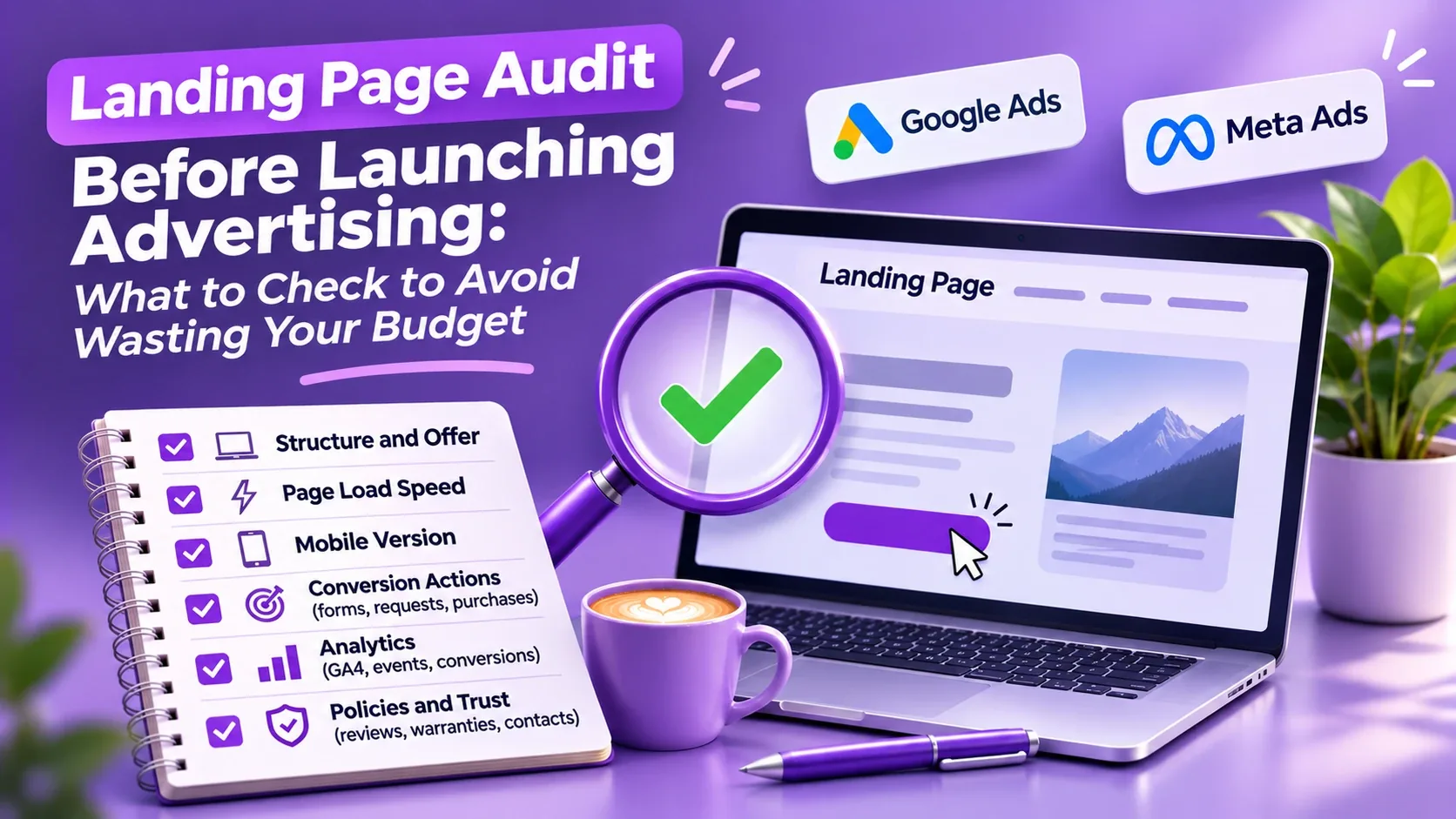
Before launching ads, I almost always start with the website, not with the Google Ads or Meta account. Ads bring a person to a page, and from there it's all up to the page: whether it loads in time, whether the person understands what you're offering, and whether their request actually reaches you.
This article covers the checklist I use for landing pages and what I found on five real audits in fall 2026. I don't name the clients, only the niche and platform. At the end there's a task list you can copy and send to your developer.
In short: Check ten things: mobile speed, mobile layout, the first screen, the form, pixels and conversions, lead delivery, template leftovers, trust, indexing, and a recheck after fixes. The most common problems are speed (the main image takes 12–27 seconds to load when the target is 2.5), pixels that don't fire or aren't installed at all, and small things that undermine trust. The order of steps is in the Summary section.
Why check your landing page before launching ads
In Google Ads, landing page experience is one of the three components of Quality Score, along with expected CTR and ad relevance (Google Ads Help). Quality Score itself is a diagnostic tool and isn't used in the auction. But landing page experience is factored into Ad Rank in every auction (Ad Rank help article), and Google says higher-quality ads usually cost less per click. If the page doesn't open or Google's crawler can't check it, the ad will be disapproved under the destination requirements.
But cost per click isn't the main issue. If the page takes half a minute to load, the form doesn't submit, and the pixel doesn't pass leads, you're paying for clicks that can't turn into customers. And the ad platform doesn't learn: it has nothing to go on to figure out who buys.
What five audits turned up
I checked all five sites before their owners launched or scaled ads on Google Ads and Meta Ads.
| Site | Main problem | What else turned up |
|---|---|---|
| Prayer bead store, WordPress + WooCommerce | On mobile the main image appeared after 27.2 seconds, and the page weighed 8.1 MB | About 50 render-blocking files, two copies of jQuery, a demo phone number from the template |
| Prayer bead store, Shopify | Render-blocking files delayed loading by about 6.8 seconds, and the page weighed about 4 MB | App scripts, a hero banner loaded at 2800 px wide |
| Online store in the UAE, Shopify | Main element on mobile: 12.6 seconds | Six H1 headings on the homepage, no structured data, console errors |
| Bike bag store selling in the US | No GA4, no Google Tag Manager and no Meta pixel on the pages | Another brand's logo in a product photo, questionable reviews, conflicting return terms |
| Restaurant in Prague, WordPress | The site was blocked from search engines in three places at once | Sitemap with blog posts only, promotions with last year's dates |
None of these main problems can be fixed in the ad settings. They have to be fixed on the site before paid traffic goes there.
How to check a landing page: 10 steps
1. Mobile loading speed
Open PageSpeed Insights, paste the URL of the page your ads will point to, and look at the mobile tab. Google considers these values good when they're met for 75% of visits, measured separately for phones and desktops (web.dev):
- LCP (when the main element of the page appears): 2.5 seconds or less;
- INP (how quickly the page responds to taps and clicks): 200 milliseconds or less;
- CLS (how much the layout jumps while loading): 0.1 or less.
In the audits, mobile LCP was 12.6 and 27.2 seconds. The culprit is almost always the same image: the first slide or banner on the first screen.
What usually slows things down:
- the first image is marked for lazy loading (
loading="lazy"), so the browser gets to it last. Google explicitly advises against this for images on the first screen (web.dev); - images several megabytes in size, uncompressed and with no smaller versions for phones;
- dozens of CSS and JavaScript files from plugins that load on every page, even where they aren't needed;
- scripts from apps and chat widgets, including ones turned off long ago;
- fonts from an external server in six weights instead of two.
Don't break tracking while speeding up the site. Developers often defer all scripts, and along with the chat widgets, Google Tag Manager and the Meta pixel get deferred too. Ad tags should load the way they did before, and you need to check them again after the changes.
2. Mobile version
Open the page on your own phone, not in a shrunken browser window on your computer. Check that:
- the page doesn't scroll sideways and nothing is cut off at the edges;
- headings fit in full (on one audit, the phone showed “FEATURED PRODUC” instead of “FEATURED PRODUCTS”);
- buttons and links are easy to tap with a finger: Google recommends a tap area of about 48×48 pixels with about 8 pixels between targets (web.dev);
- the price and the buy or inquiry button are visible without much scrolling.
On one site, the product photo took up the whole desktop screen, and the price and “Add to cart” button ended up below it. Someone coming from an ad saw a nice picture and didn't see how much it cost.
3. First screen and offer
A visitor from an ad decides within a few seconds whether to stay or leave. The first screen has to answer three questions: what this is, who it's for, and why they should choose you.
- the headline matches the promise in the ad. If the ad says “2-day delivery,” the page should say so too;
- shipping, delivery times and return terms are visible next to the price, not only at checkout;
- important information is written as text, not in small print on an image that can't be read on a phone.
On the bike bag store audit, the store did offer free shipping in the US, but shoppers only found out at checkout, and the “Free shipping USA” banner was a small image with unreadable text.
4. Lead form and checkout
Submit the form yourself, from a phone, like a regular visitor. Go all the way through: from the button on the page to the “Thank you” message.
- the form has only the fields you need. If a phone number is required, explain why, for example “for delivery updates”;
- required fields are actually validated. On one audit, the color field was required, but orders went through with it empty, and the store received orders with no color;
- after submitting, it's clear that it worked and what happens next;
- for stores: convenient mobile payment options (Apple Pay, Google Pay) and guest checkout without registration.
5. Pixels and conversions
Without this step, your ads optimize blind. Google's and Meta's automated bidding learns from leads and purchases, and if events don't come through, it has nothing to learn from.
- Google Tag Manager, or the Google tags and Meta pixel directly, is installed on every page;
- after a test lead, the conversion shows up in Google Ads and the event shows up in Meta Events Manager (under Test events);
- for stores: purchase, add to cart and initiate checkout are tracked, along with the order value;
- if Conversions API runs alongside the Meta pixel, events aren't counted twice: for that, the pixel and the server must send the same event ID (Meta documentation);
- for visitors from the EU, the UK and Switzerland, a cookie consent banner works and consent signals are passed to Google through Consent Mode. Google requires this for conversion measurement, personalization and remarketing to work for these visitors (Google Ads Help).
On the bike bag store site, the page code had no GA4, no Google Tag Manager, no Google Ads tag and no Meta pixel. Running ads like that means paying without seeing which clicks bring in sales.
The Google Tag Assistant and Meta Pixel Helper extensions make this easy to check.
6. Lead delivery
The form can work while leads get lost along the way: emails land in spam, the CRM isn't connected, notifications go to an old inbox. Send a test lead and make sure it reaches the place where the person who answers customers will see it. Check again after any changes to the site.
7. Template leftovers and technical clutter
These are things site owners don't notice for years, but shoppers spot right away.
- demo data from the template: a demo phone number and email, currency “$ USD / $ EURO” instead of real details;
- empty social media links and links to pages that don't exist;
- someone else's domain and name in the meta tags (on one site, the name of the previous brand was still there);
- leftover ChatGPT text: on one site, the product tags included “Готово.” (“Done.”);
- browser console errors: old chat widgets that were removed on the provider's side but never taken out of the code;
- images and scripts loaded over http:// on an https:// page.
A quick way to find template leftovers: open the page, press Ctrl+U and search the code for “demo”, “example” and href="#".
8. Trust
Someone coming from an ad is seeing your brand for the first time. Before paying, they look for signs that you can be trusted.
- one working email address on your own domain, a phone number or messenger, a physical address. One site had three different email addresses, two of them on Gmail;
- an “About us” page with people, your story and photos, not generic phrases;
- genuine reviews with dates. Template names, reviews all from the same week and machine translation backfire;
- shipping, return and payment terms are the same on every page. On one audit, the homepage said “Returns accepted,” while the shipping page said “Customized items are non-refundable,” even though almost all products were made to order;
- no other brands' logos in photos, and no claims in the copy that can't be backed up: awards without a link, “healing” properties of a product.
That last point also matters for ad policies. Google Ads doesn't allow you to hide or misstate information about yourself or your business (the “Misleading representation” rule in the Misrepresentation policy), and Merchant Center rejects products with unreliable health claims (Merchant Center policy). On one audit, a product description promised that a stone increases breast milk production. Copy like that is best removed before you launch Google Shopping.
9. Indexing and basic SEO
You don't need search rankings to run ads. But SEO errors usually mean nobody has looked after the site in a while, and some of them get in the way of ads too.
- The ads crawler has to see the page. The Google Ads crawler (AdsBot) ignores general robots.txt rules for all crawlers (*). You can only block it by naming it explicitly, and then your ads will be disapproved (Google documentation);
- The site isn't blocked from search by mistake. On the restaurant audit, the block was in robots.txt, in a noindex meta tag and in a server header at the same time. A regular noindex doesn't affect ads: it applies to search crawlers, not AdsBot. But a site like that gets no free search traffic at all;
- Titles and descriptions. One H1 per page, title up to 60 characters, description up to 155–160, otherwise Google truncates them in search results;
- The sitemap includes all important pages, not just the blog.
10. Recheck after fixes
After the fixes, repeat the measurements and tests: PageSpeed Insights on mobile, a test lead or purchase, and tag firing in Google Ads and Meta. For stores, check Merchant Center for new errors 1–2 days later. It's good practice to save “before” and “after” screenshots.
Free tools for checking
| Tool | What it checks |
|---|---|
| PageSpeed Insights | Speed on mobile and desktop, heavy images, render-blocking files |
| Search Console, Core Web Vitals report | Speed based on data from real visitors |
| Chrome DevTools (F12) | Console errors, size and number of loaded files, mobile view |
| Google Tag Assistant | Whether Google tags fire |
| Meta Pixel Helper and Test events | Whether the Meta pixel fires and which events it sends |
| Rich Results Test | Product and organization structured data |
| Screaming Frog (free up to 500 pages) | Titles, descriptions, broken links and redirects across the whole site |
Tasks for your developer: copy and send
If a developer built your site, send them this list. It covers the most common problems I find in audits.
- Remove loading="lazy" from the first image on the first screen and add fetchpriority="high" to it.
- Compress images, convert them to WebP and create smaller versions for phones.
- Remove unused CSS and JavaScript, and don't load plugin files where they aren't needed.
- Don't defer loading of Google Tag Manager, Google Ads tags or the Meta pixel.
- Set width and height for all images.
- Check the layout on a 360 px wide phone: no sideways scrolling, buttons at least 48×48 px.
- Remove template demo data, empty links and leftovers of uninstalled apps.
- Fix browser console errors.
- Keep one H1 per page, shorten the title to 60 characters and the description to 155–160.
- After the changes, send PageSpeed Insights results from before and after and confirm that tags and forms work.
If your ad account is already running, it's worth checking too. I covered how in the article ad account audit: a checklist.
Summary: what order to check things in
- Pixels and conversions. Without them, you can neither run ads nor measure them.
- Form and lead delivery. Send a test lead from a phone and find it on your end.
- Mobile speed. LCP of 2.5 seconds or less; start with the first image.
- Mobile layout and first screen. Price, offer and button are visible right away.
- Trust. Contacts, reviews, return terms, no template leftovers.
- Indexing and SEO. The site is open to crawlers, and headings are in order.
- Recheck. After the fixes, measure everything again.
Want me to check your site? I'll review your landing page for free before you launch ads: speed, mobile version, offer, form and pixels. Get a free audit →
FAQ: landing page audit
What is a landing page audit?
It's a check of the page your ads lead to: loading speed, mobile version, how clear the offer is, whether the form works, pixel setup and lead delivery. The goal is to make sure paid clicks can turn into leads and sales.
What loading speed is good for a landing page?
Google considers it good when the main element of the page (LCP) appears within 2.5 seconds, the page responds to taps within 200 milliseconds, and the layout barely shifts (CLS of 0.1 or less). Check the mobile version in PageSpeed Insights.
Does the landing page affect cost per click in Google Ads?
Yes. Landing page experience is factored into Ad Rank in every auction, along with expected CTR and ad relevance. According to Google, higher-quality ads usually cost less per click. In your account, it shows up as a separate Quality Score component called “Landing page experience.”
Does a page used for ads need SEO?
You don't need search rankings to run ads. But Google Ads crawlers must be able to access the page, and errors like a site blocked from search cost you free traffic. It's worth getting the basics in order, like headings and the sitemap.
How do I check that the Meta pixel works?
Open Events Manager, go to Test events, and go through the visitor journey: open the page, submit the form or add a product to the cart. The events should appear in the list. The Meta Pixel Helper extension is also handy.
How much does a landing page audit cost?
I do an initial landing page audit for free: I check speed, the mobile version, the offer, the form and pixels, and send you what to fix before launching ads.
- web.dev — Core Web Vitals and thresholds
- web.dev — lazy loading the first-screen image
- web.dev — tap target size
- Google Ads — Quality Score
- Google Ads — Ad Rank
- Google Ads — destination requirements
- Google Ads — Misrepresentation policy
- Google Merchant Center — Misrepresentation policy
- Google Ads — EEA user consent and Consent Mode
- Google Search Central — Google crawlers, including AdsBot
- Meta for Developers — deduplicating pixel and Conversions API events
Check your landing page before launching ads?
I'll review speed, the mobile version, offer, form and pixels for free and send you what to fix.
Get a free audit Ad Account AuditAd Account Audit: A Complete Checklist for Google Ads and Meta Ads25.09.2026
 Google Ads & Meta AdsHow Much Do Google Ads and Meta Ads Setup and Management Cost?26.10.2026
 BudgetsMinimum Advertising Budget: Google Ads, Meta Ads, and TikTok Ads in 202621.09.2026
 Choosing a ChannelHow to Choose the Best Advertising Tool for Your Business: Google Ads, Meta Ads, TikTok, or Something Else?22.09.2026
 InstagramInstagram Shadowban: How to Check It, Why Reach Dropped, and What to Do20.10.2026
 Retargeting & AudiencesOrganic Traffic + Retargeting: How to Turn Free Website Visitors into Customers21.09.2026
 Google Merchant CenterGoogle Merchant Center: A Complete Setup and Product Review Checklist24.09.2026
 Choosing a ContractorFreelancer or Agency: What's Better for Business Advertising?08.10.2026
 Meta AdsWhy Meta Rejects Your Ads: The Main Causes and What to Do25.09.2026